


Your design,
before it's real.
A mockup shows your design on a real product before that product exists: a box, a label, a book, a business card. Here’s where the idea came from, and five reasons designers use mockups every day.
Seconds, not daysNo scissors or glueFive ways to use them


Drag the line. On the left, a mug mockup with a design pasted in. On the right, the same mockup, clean and ready for yours.
01The old way
Print it, cut it, glue it
Not so long ago, if you wanted to see how a design looks in real life, you had to make a model of it by hand. A box design? Print it, cut it, glue it. Or pay a print shop to do it for you.
That model is called a mockup. It shows how the design looks at real size: the proportions, the colors, how everything works together. Very useful. With one small problem.
It took ages.

No printing, no cutting, no glue. You just paste your label into the mockup.
02Digital
From days to seconds
Then someone came up with a better idea: do all, or most, of that work on a computer screen.
That’s how digital mockups were born. Today nobody says “digital” anymore. Paper models are still around, and many designers can’t imagine their work without them. But for everyday work, especially flyers, business cards, simple packaging or letterheads, most designers use digital ones.
You don’t print or cut anything. You don’t wait for anyone. You paste your design into a ready mockup and get a realistic image in a few seconds.
Because it’s so quick, you can check your design while you’re still working on it. And when it’s done, you can show it to a client or post it online. No photo shoot, no 3D. Just your design on a real-looking product.
For any design or marketing team, that’s a lot of saved time. And money.

Lots of mockups like this one are free to download here.
03Why bother
Why use mockups?
Mockups are part of every designer’s vocabulary now. But they’re still a fairly new tool, and not everyone uses them to the full.
Honestly? There are tons of reasons to use them. These are the five I see most often.
04Portfolio
Your work, shown properly
Let’s start with the obvious one. You finished a project. The client said yes. Now you want to show it off. Sure, you can put your design on a black background. But today that’s just not enough.
To stand out, your work needs a good presentation. One that shows its best sides (and maybe hides the less glorious ones a little). You can build a real one and take photos, or render it in 3D. Both take a lot of time. A ready mockup is much faster.
A few minutes after you finish the project, it’s in your portfolio or on social media. And if you need to fix something later? Pasting the design again takes seconds.
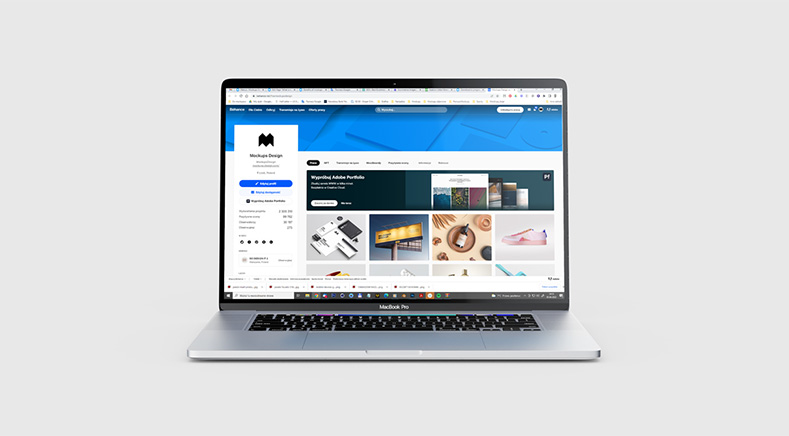
These days, how you show your work matters a lot.
05Clients
Don't send a raw JPEG
You’ve just finished the first designs and want to show them to the client. Pasting a design into a mockup takes a moment. (Okay, finding a nice mockup can take a bit longer. That’s what mockups-design.com is for.)
The client sees what the real thing will look like. And a clean, good-looking presentation helps them say yes faster. As every designer knows, clients see designs differently than we do. A mockup shows them the real result and leaves nothing to guess.
One last thing, from my own experience. When a client sees the design on a mockup, they feel more appreciated. They see what they paid for. For you it’s almost no extra work, but it looks like a lot more. And a job that looks better is easier to charge more for.
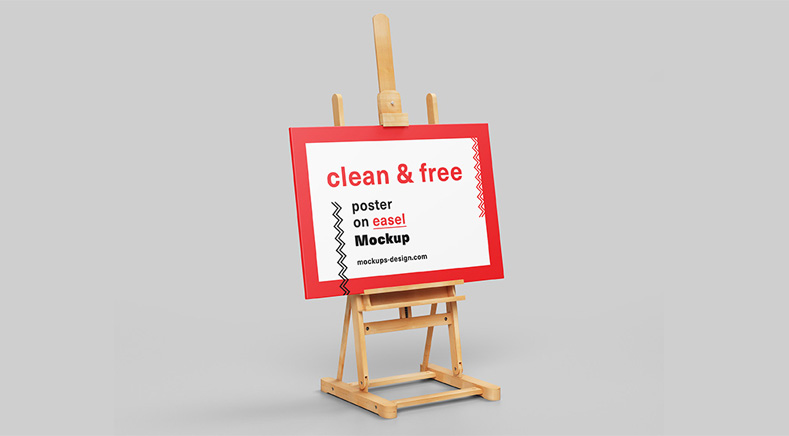
A mockup can make a big impression on your client.
06While you design
Catch mistakes early
Hard to believe, but some designers still don’t use mockups while they work. And mockups really help. Above all, you catch mistakes in proportions and font sizes. This matters most in small formats: business cards, small flyers, labels.
On a mockup, it’s much easier to see what’s too big or too small. A design that looks fine in Illustrator, InDesign or Photoshop can look different on the real thing. A mockup shows you that.
If you work in Photoshop, it’s not a silly idea to make early versions right inside the mockup’s smart object. Every time you save it, you see your design on the product.
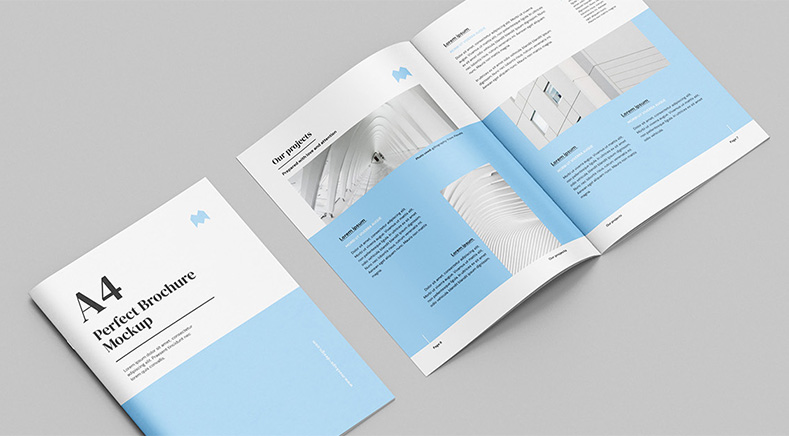
A mockup makes life easier for your client… and for you.
07Online shops
A product photo before the product
Not every mockup works for this, but many people forget that a mockup can be a packshot: a product photo for a shop, a website or the client’s social media. That saves a lot of time and money.
With the right packaging mockup, you can have a believable product image a few minutes after the client approves the design. The product can start earning money before it’s even made. And when clients are always in a hurry and change things until the last minute, that’s a real advantage.
Run a shop and don’t use Photoshop? Mockups marked “Edit online” work right in your browser. No software needed.
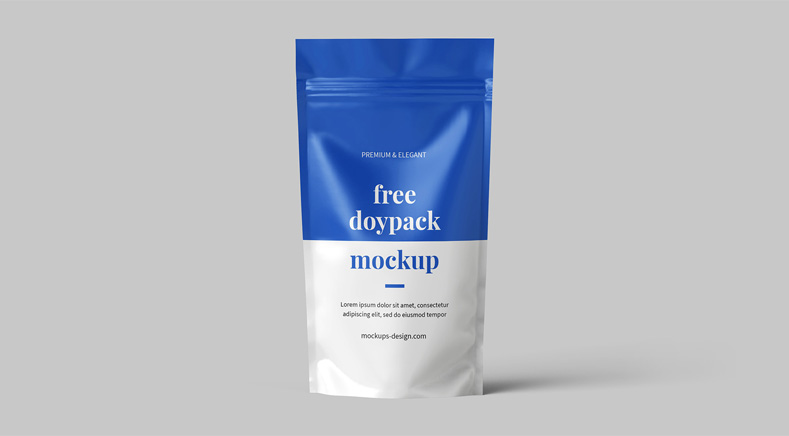
A good mockup can work as a product photo.
08Advertising
A key visual in minutes
With a mockup, your visual is ready a few minutes after you finish the design. So you can use it to advertise the product: on social media, in print, even on TV. A big help when a product is going to be promoted widely.
Some mockups are made to look like finished ad photos. Paste your packaging design, and a few moments later you have a key visual.
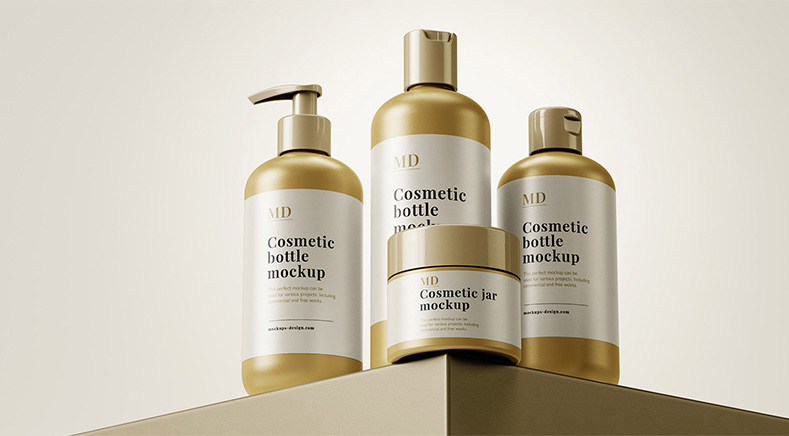
Some mockups look like ready-made ad photos.


