


Free device mockups
Phones and MacBooks mostly, with a few other machines that wandered in and stayed. The point of them is simple: screen work only feels real to a client once it's sitting inside something they recognise.


ISO format
 A4 / A5 / A6
6
A4 / A5 / A6
6
 DL
6
DL
6
 Square
4
US format
Square
4
US format
 Letter8.5×11 in
6
Letter8.5×11 in
6
 Half Letter5.5×8.5 in
3
Legal8.5×14 in
3
Tabloid11×17 in
3
Half Letter5.5×8.5 in
3
Legal8.5×14 in
3
Tabloid11×17 in
3
 Other
5
Other
5
A4 / A5 / A6
6
DL
6
Square
4
Letter8.5×11 in
6
Half Letter5.5×8.5 in
3
Legal8.5×14 in
3
Tabloid11×17 in
3
Other
5
A4 / A5 / A66 options
DL6 options
Square4 options
Letter8.5×11 in · 6 options
Half Letter5.5×8.5 in · 3 options
Legal8.5×14 in · 3 options
Tabloid11×17 in · 3 options
StudioFlyer
All flyer mockups
A4 / A5 / A6
6 options
DL
6 options
Square
4 options
Letter8.5×11 in
6 options
Half Letter5.5×8.5 in
3 options
Legal8.5×14 in
3 options
Tabloid11×17 in
3 options
Other
5 options
A4 / A5 / A6
6 options
DL
6 options
Square
4 options
Letter8.5×11 in
6 options
Half Letter5.5×8.5 in
3 options
Legal8.5×14 in
3 options
Tabloid11×17 in
3 options
Other
5 options
StudioBrochure
All brochure mockups
 A4/A5 Vertical
 A4/A5 Horizontal
 Square
 DL
DL
 Letter8.5×11 in
Half-Letter5.5×8.5 in
Letter8.5×11 in
Half-Letter5.5×8.5 in
A4/A5 Vertical
A4/A5 Horizontal
Square
DL
Letter8.5×11 in
Half-Letter5.5×8.5 in
StudioBusiness card
StudioOutdoor
All outdoor mockups
 Roll-ups and banners
 Posters and citylights
 Billboards
 Signboards
 A-Stands
 Signs
Signs
 Flags
Flags
 Stands
Roll-ups and banners
Posters and citylights
Billboards
Signboards
A-Stands
Signs
Flags
Stands
StudioMore categories


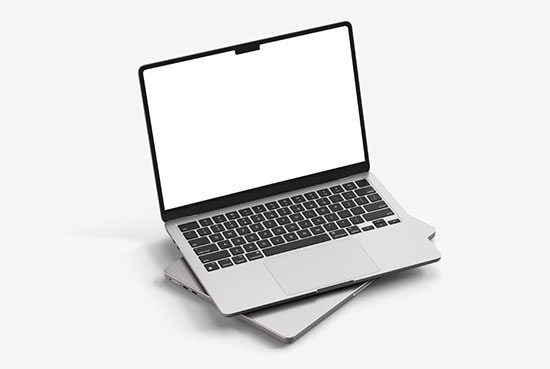
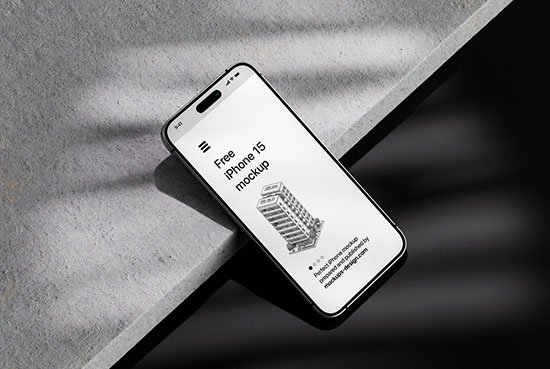

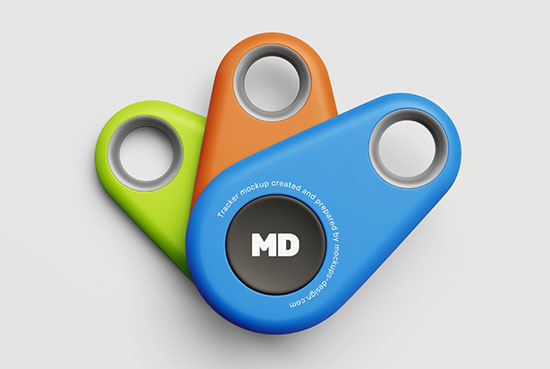

Device mockups
Device mockups for screens and interfaces — phones, laptops and the odd tablet or monitor, built to frame a screenshot.
DevicesPhone, MacBook, tablet, more
HoldsScreenshot, UI, web design
SettingClean background or desk
FilesLayered PSD, smart objects
These work the other way round from most mockups. Everywhere else your artwork is the object; here the device is just the frame, and the real content is the screen inside it — a website, an app, a UI, a piece of motion or graphic work that only makes sense on a display. Drop your screenshot into the smart object and it snaps to the screen at the right angle and perspective, so a flat export suddenly reads as a live product someone's holding or using. That's the whole job: a client believes an interface far faster seeing it on a phone in a hand than as a rectangle on a slide.
The device and the framing set the tone. A phone held in a hand feels personal and in-use; a MacBook or monitor shot straight on reads as a proper web or product presentation; a clean floating device on a plain background keeps all the attention on the screen, while a desk scene with a coffee and a notebook tells a lifestyle story instead. It's the standard way to present web design, app and UI work, dashboards, portfolios and case studies — and worth matching your screenshot's aspect to the device so the interface fills the screen without stretching or cropping.
In the sets: the device shown straight on, angled or in a hand, on a clean background or a desk scene, so you can present a screen on its own or set it in context. Each is a layered PSD with smart objects — the screenshot sits on its own layer, so replacing it leaves the device, reflections, lighting and shadow untouched.


